admin_c03o75pa

About admin

This author has not yet filled in any details.
So far admin has created 6 blog entries.

Office 365 Error 30015-11 with Malwarebytes or Anti-Virus

Office 365 Error 30015-11 on systems running Malwarebytes or other anti-virus solutions This issue appears on both Windows 10 and 11 especially on systems running Malwarebytes which started in October 2023. Usually resolved by using the Microsoft repair tool for office. Visit the link below and choose the blue download option. https://support.microsoft.com/en-au/office/uninstall-office-from-a-pc-9dd49b83-264a-477a-8fcc-2fdf5dbf61d8 or via direct

Office 365 Error 30015-11 with Malwarebytes or Anti-Virus2023-10-13T10:15:47+00:00

Best Mobile Network in the UK

The best mobile network operator in the UK? EE is the leading mobile network operator. They have also merged with BT mobile this year. However they have some of the most disastrous call centre staff that can't get anything right. Three comes in second and may have slightly better pricing in some sectors however they

Best Mobile Network in the UK2023-10-13T09:38:50+00:00

NextDNS Pi-hole Setup DoH Secure DNS over HTTPS

How to install NextDNS on Pi-Hole using Secure DNS over HTTPS (DoH) NextDNS on Pi-Hole install, configure and activate instructions. Make sure you have a NextDNS account using this link: https://nextdns.io/?from=b7smdsyp 1: Install Pi-hole on Debian or Ubunutu. https://docs.pi-hole.net/main/prerequisites/ Some additional tips: If you have an existing install and used cloudflared DoH - you

NextDNS Pi-hole Setup DoH Secure DNS over HTTPS2023-08-06T11:45:34+00:00

Phishing Scams 2023

Phishing Scams 2023 - Update In 2023 we have seen a huge increase in advanced scams that are very difficult for anyone to identify. Around 80% of companies have been hit by scams in the last month. Many have lost tens of thousands of pounds and others have lost intellectual property, had data encrypted

Phishing Scams 20232023-07-27T14:37:03+00:00

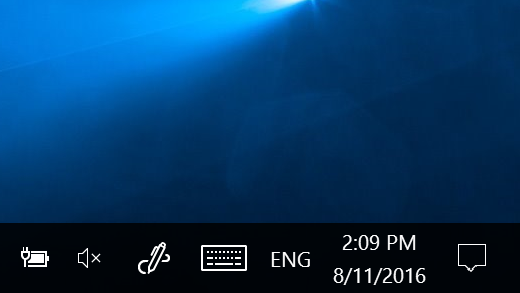
Show all the Icons in the System Tray/Notification area – Windows 11

To always show all the Icons in the System Tray or Notification area of Windows 11 1. Press Win+R to open the Run prompt. 2. Enter this value: explorer shell:::{05d7b0f4-2121-4eff-bf6b-ed3f69b894d9} 3. Tick the Always show all icons and notifications on the taskbar checkbox. 4. Click the OK button.

Show all the Icons in the System Tray/Notification area – Windows 112023-07-24T10:38:17+00:00

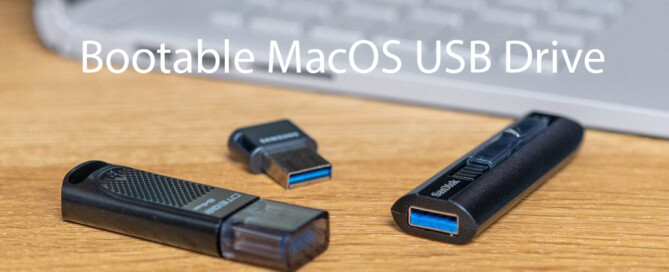
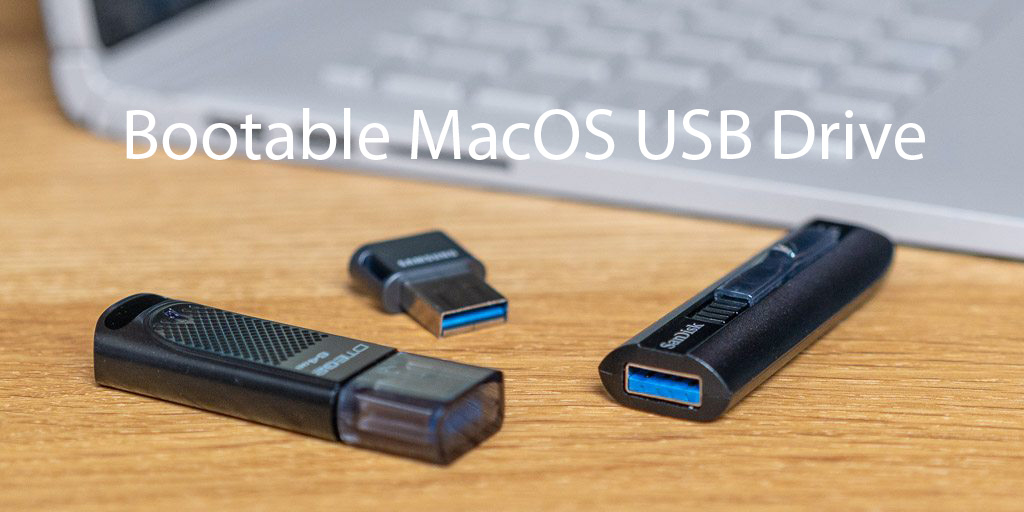
MacBook Create Bootable MacOS Installer USB To Recover Failed Big Sur Update or NVMe Missing

How to recover from a damaged/failed Big Sur update or missing NVMe drive issue. If you can't see your NVMe after a Big Sur or similar update then read on. Use a Windows PC to create the MacOS (dmg) recovery USB the easy way! Other Mac recovery methods can be more difficult especially if you

MacBook Create Bootable MacOS Installer USB To Recover Failed Big Sur Update or NVMe Missing2020-12-07T23:11:40+00:00

Title

Go to Top