Repairs

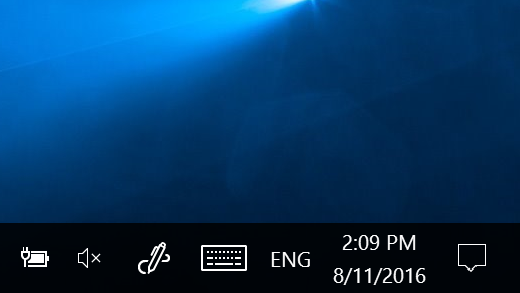
Show all the Icons in the System Tray/Notification area – Windows 11

To always show all the Icons in the System Tray or Notification area of Windows 11 1. Press Win+R to open the Run prompt. 2. Enter this value: explorer shell:::{05d7b0f4-2121-4eff-bf6b-ed3f69b894d9} 3. Tick the Always show all icons and notifications on the taskbar checkbox. 4. Click the OK button.
Show all the Icons in the System Tray/Notification area – Windows 112023-07-24T10:38:17+00:00

MacBook Create Bootable MacOS Installer USB To Recover Failed Big Sur Update or NVMe Missing

How to recover from a damaged/failed Big Sur update or missing NVMe drive issue. If you can't see your NVMe after a Big Sur or similar update then read on. Use a Windows PC to create the MacOS (dmg) recovery USB the easy way! Other Mac recovery methods can be more difficult especially if you

MacBook Create Bootable MacOS Installer USB To Recover Failed Big Sur Update or NVMe Missing2020-12-07T23:11:40+00:00

Title

Go to Top